

FileUpload adds drag-and-drop file upload to any server. Users upload files through an interactive UI, bypassing the LLM context window entirely. The LLM can then list and read uploaded files through model-visible tools.
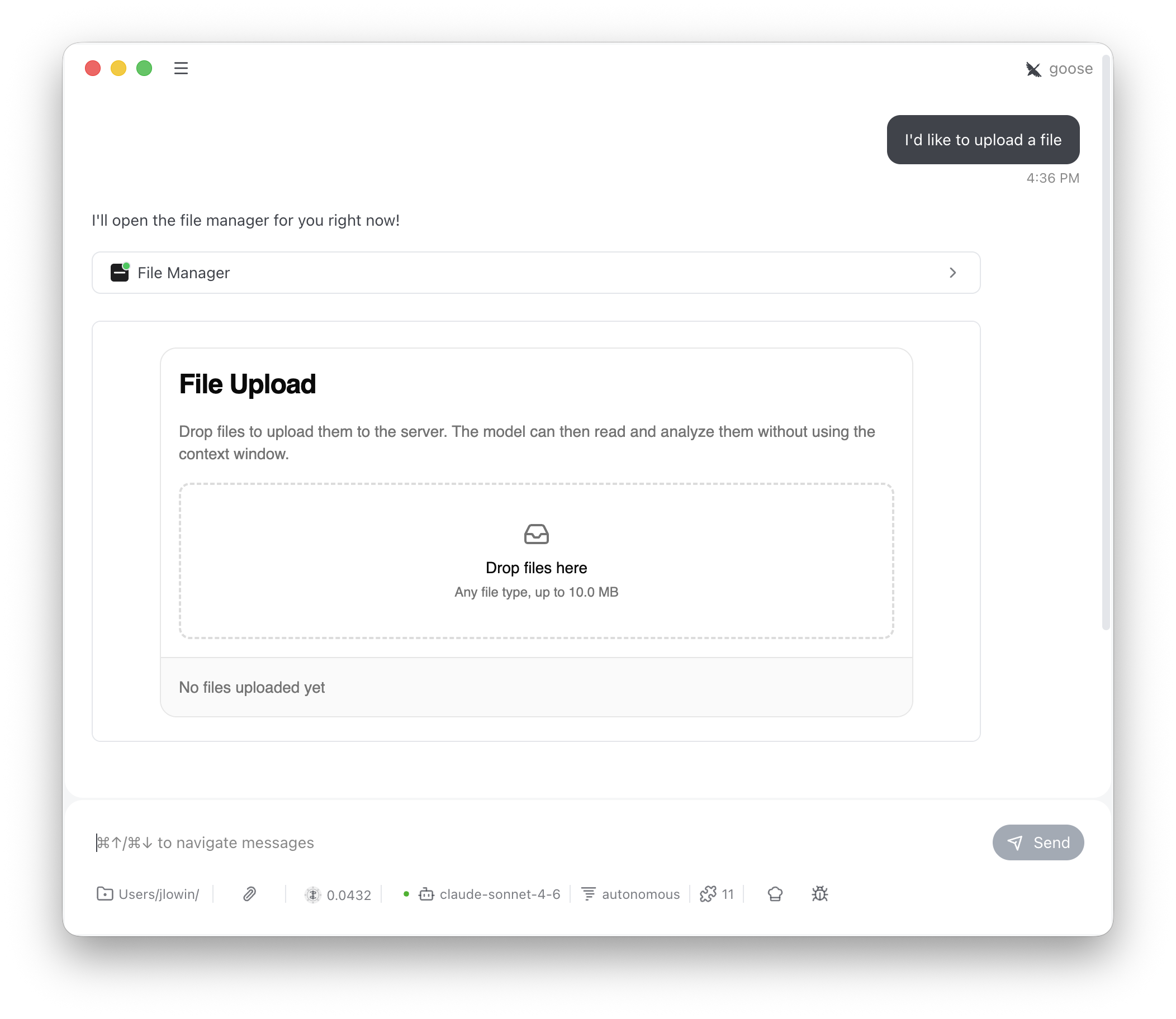
The LLM sees
file_manager, list_files, and read_file. It calls file_manager to show the upload interface, then uses list_files and read_file to work with whatever the user uploaded. store_files is app-only — the UI calls it directly and the LLM never needs to know about it.
Configuration
max_file_size limit is enforced both in the UI (the DropZone rejects oversized files) and on the server (the store_files tool validates before calling on_store).
Storage scoping
By default, files are stored in memory and scoped by MCP session ID. Each session gets its own isolated file store — files uploaded in one conversation aren’t visible in another. This works with stdio, SSE, and stateful HTTP transports, where sessions persist across requests. For stateless deployments, override_get_scope_key to return a stable identifier. To scope files by authenticated user, read the caller from get_access_token().
Reject the request when there is no subject to key on. get_access_token() returns None on an unauthenticated request, and subject is optional even on a valid token, since not every verifier populates it. Returning a fallback in either case would put every such caller in one shared bucket, so they would see each other’s uploads.
token.claims and validate it the same way.
For process-wide shared storage (all users see all files):
Custom storage
The default implementation stores files in memory for the lifetime of the server process. For persistent storage, subclassFileUpload and override three methods. Each receives the current Context, giving you access to session IDs, auth tokens, and request metadata for partitioning and authorization.
on_store contains name, size, type, and data (base64-encoded content). The return value from on_store and on_list should be a list of summary dicts with name, type, size, size_display, and uploaded_at fields — these populate the file list in the UI.
on_read returns a dict with file metadata and either content (decoded text) or content_base64 (a base64 preview for binary files).