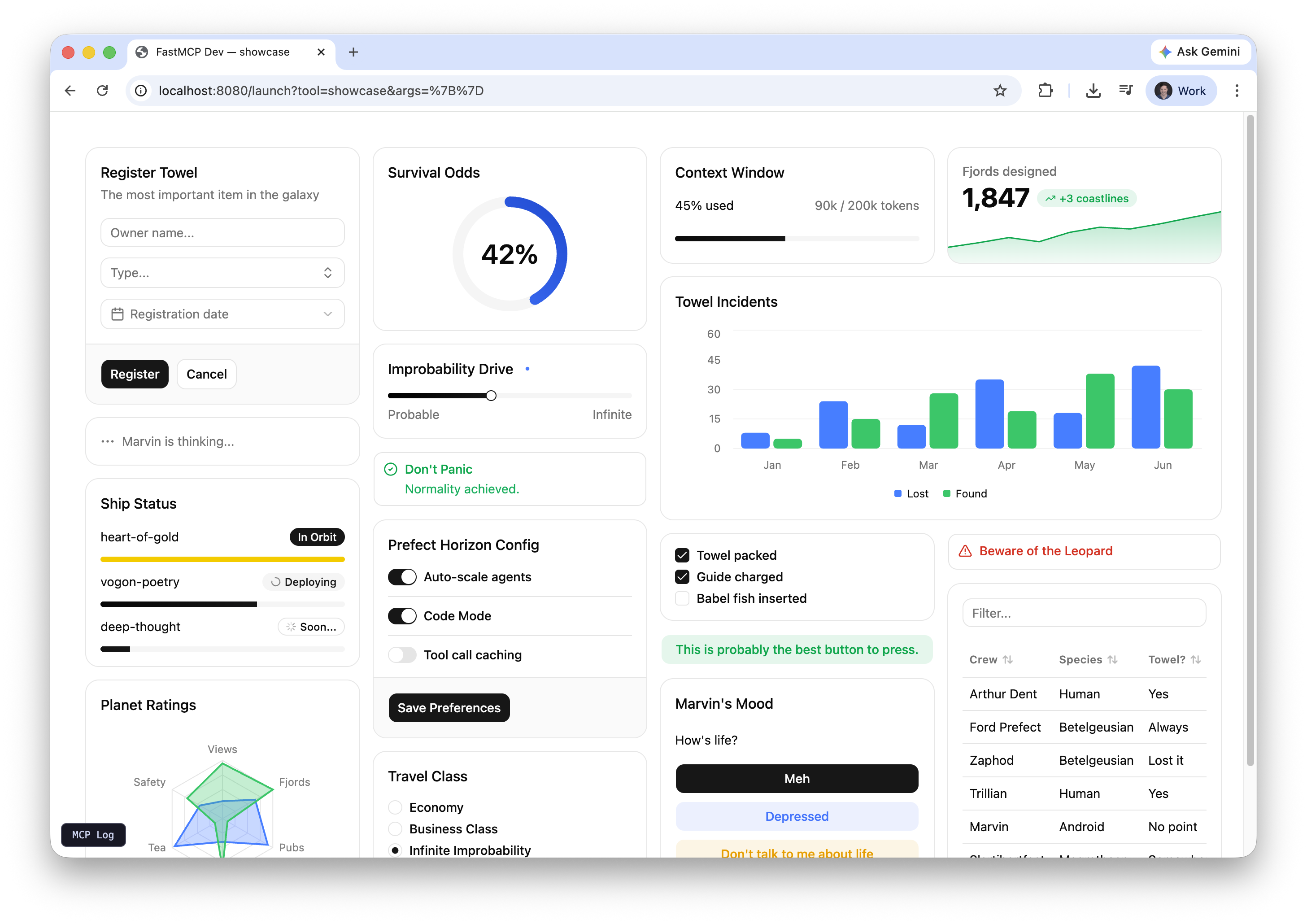
Every example below is a working FastMCP server you can run with fastmcp dev apps or connect to from any MCP host. The source is in examples/apps/ in the repository.

Running Examples

Preview any example in your browser with the dev server:
pip install "fastmcp[apps]"
fastmcp dev apps examples/apps/sales_dashboard/sales_dashboard_server.py
The dev server opens an interactive browser UI where you can select a tool and provide arguments. In a real deployment, the LLM provides these arguments on the fly based on the conversation. For example, the quiz example works best when connected to an MCP host like Goose or Claude Desktop, where the LLM generates the questions itself.

Standalone Examples

Sales Dashboard

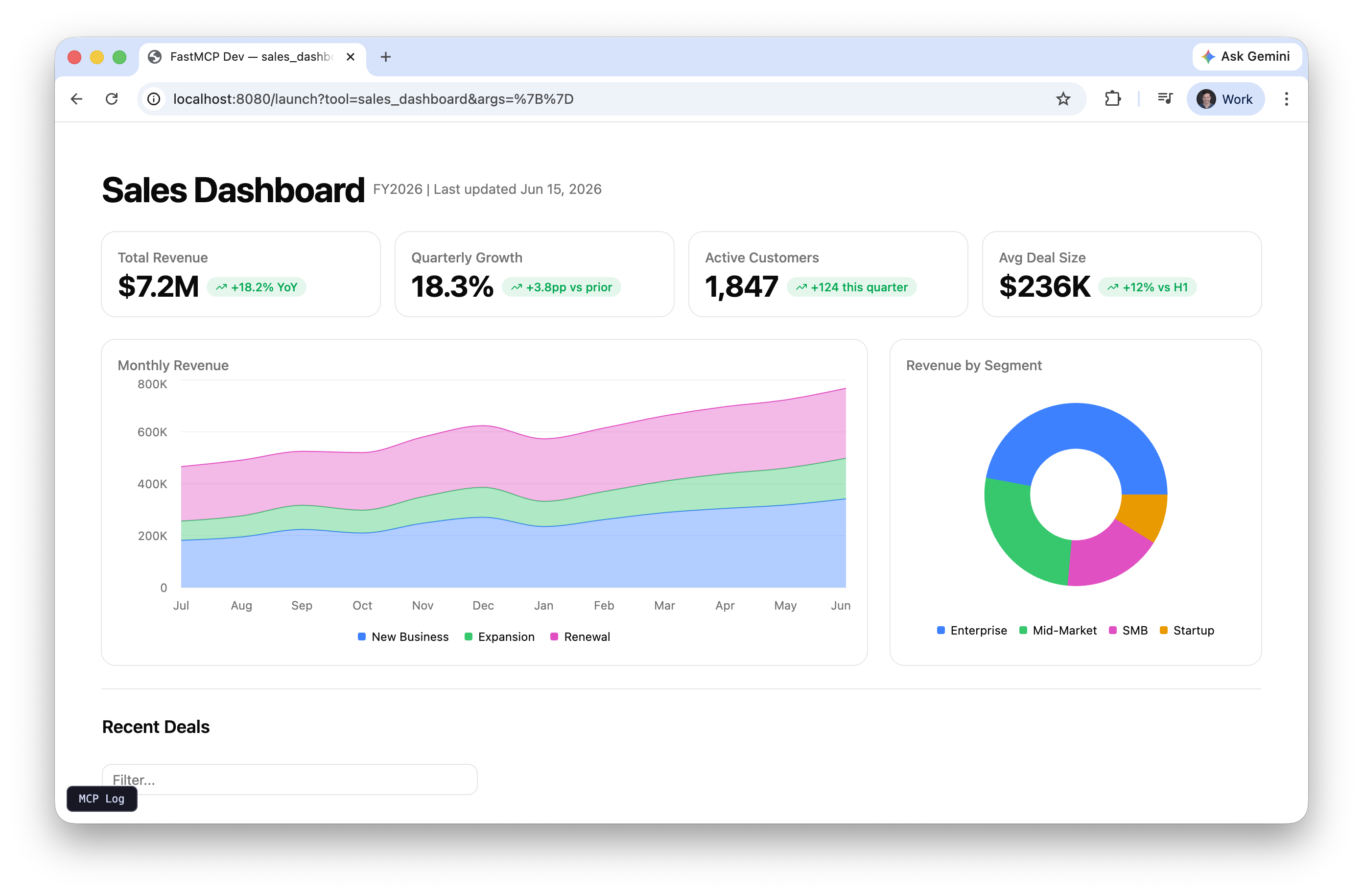
A full dashboard with KPI metrics, revenue trends, segment breakdown, and a deal pipeline table. Shows what you can build with a single app=True tool and Prefab’s chart and data components.
fastmcp dev apps examples/apps/sales_dashboard/sales_dashboard_server.py

System Monitor

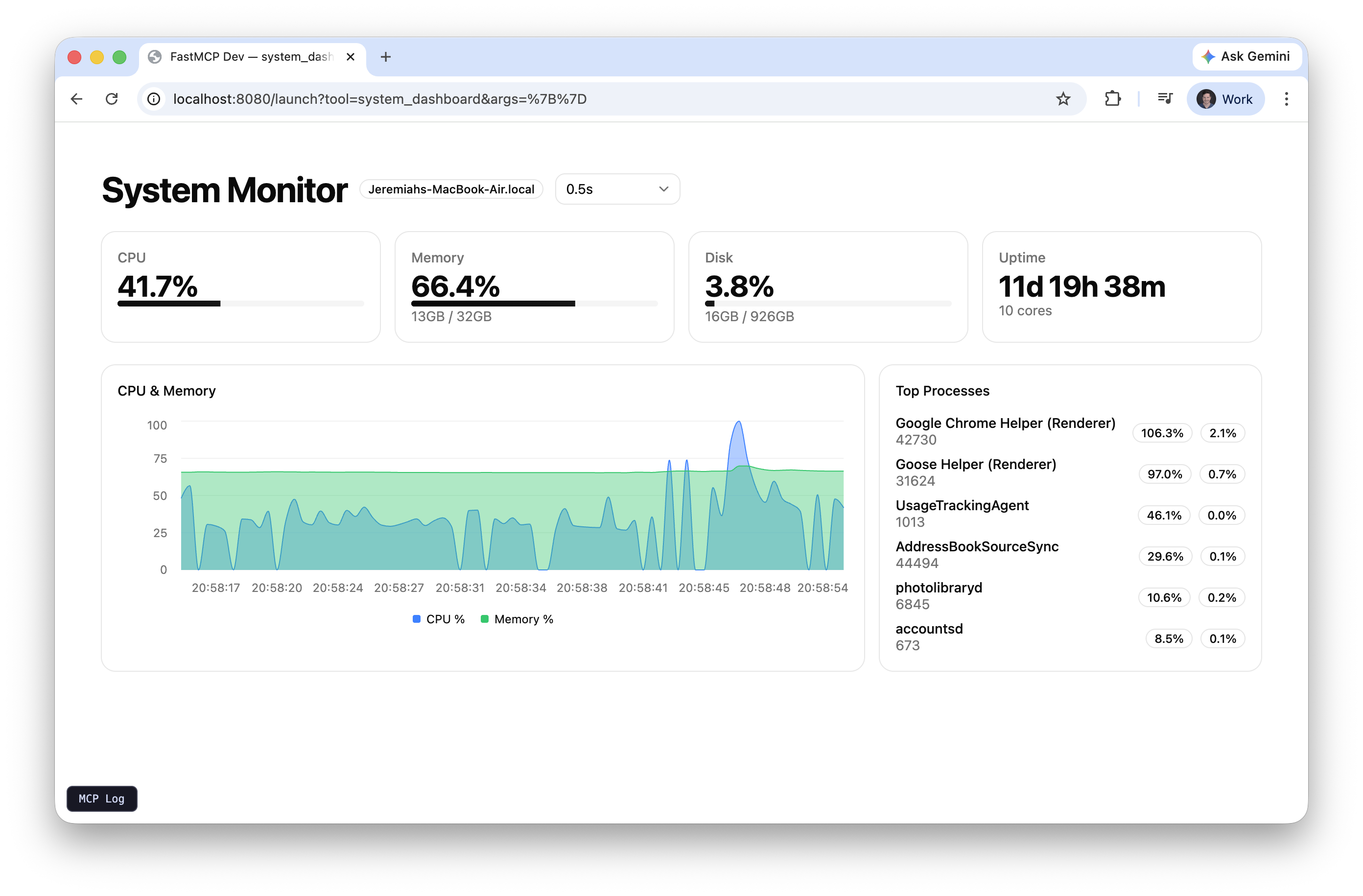
Reads live CPU, memory, and disk stats from your machine using psutil. Auto-refreshes via SetInterval calling a backend tool, with a dropdown to control the refresh rate. The chart accumulates 100 data points over time.
pip install psutil
fastmcp dev apps examples/apps/system_monitor/system_monitor_server.py

Quiz

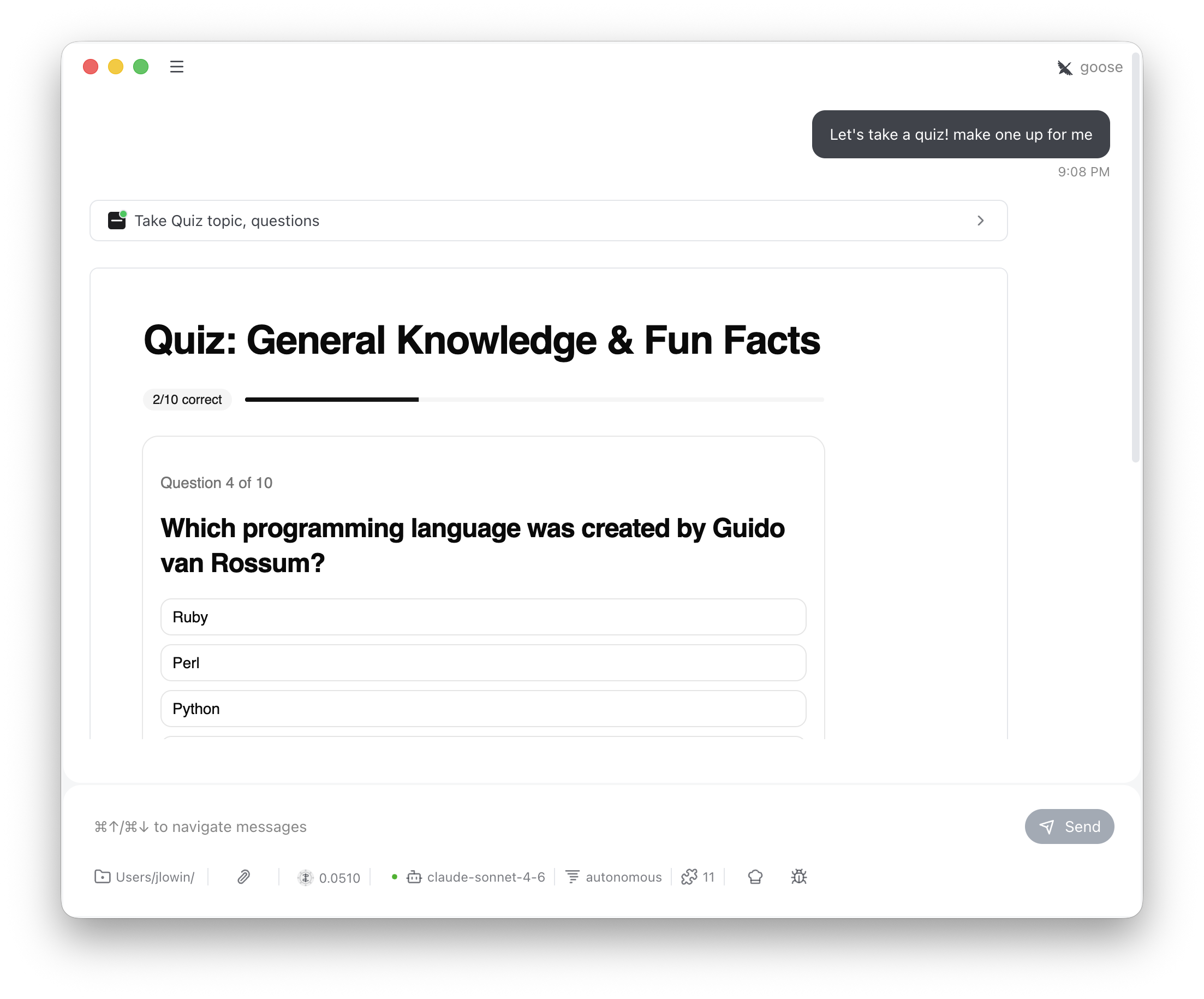
The LLM generates trivia questions and passes them to the tool. The user answers via buttons, sees correct/incorrect feedback, and tracks score across questions. Demonstrates multi-turn client-side state with FastMCPApp.
fastmcp dev apps examples/apps/quiz/quiz_server.py

Interactive Map

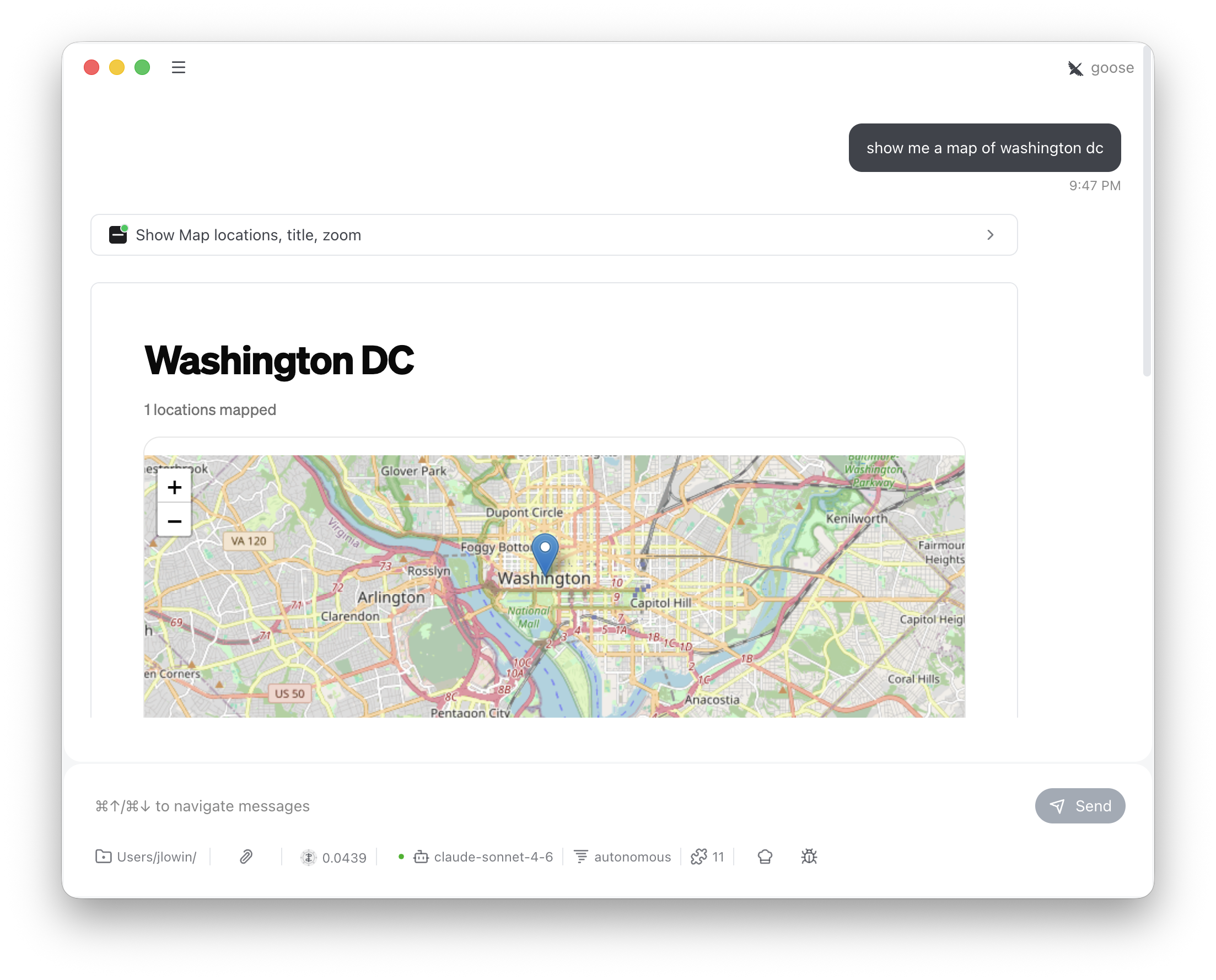
Accepts addresses or place names, geocodes them via OpenStreetMap Nominatim (free, no API key), and renders an interactive Leaflet map using Prefab’s Embed component with inline HTML. Proves that Prefab apps aren’t limited to built-in components.
fastmcp dev apps examples/apps/map/map_server.py

Built-in Providers

These are ready-made capabilities you add with a single add_provider() call.

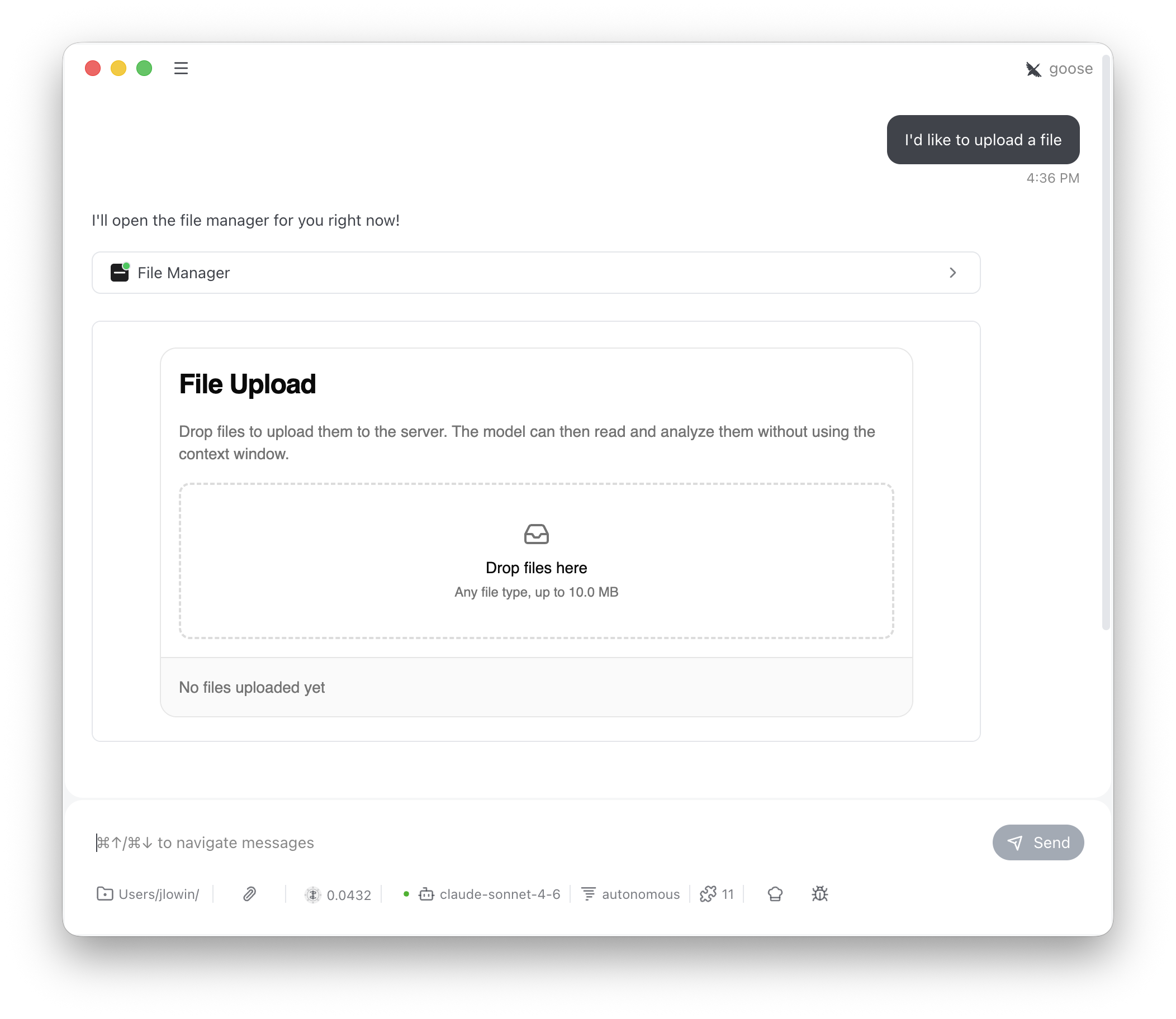
File Upload

Drag-and-drop file upload. The user drops files, clicks Upload, and the server stores them. The LLM can list and read uploaded files through model-visible tools.
from fastmcp.apps.file_upload import FileUpload
mcp.add_provider(FileUpload())

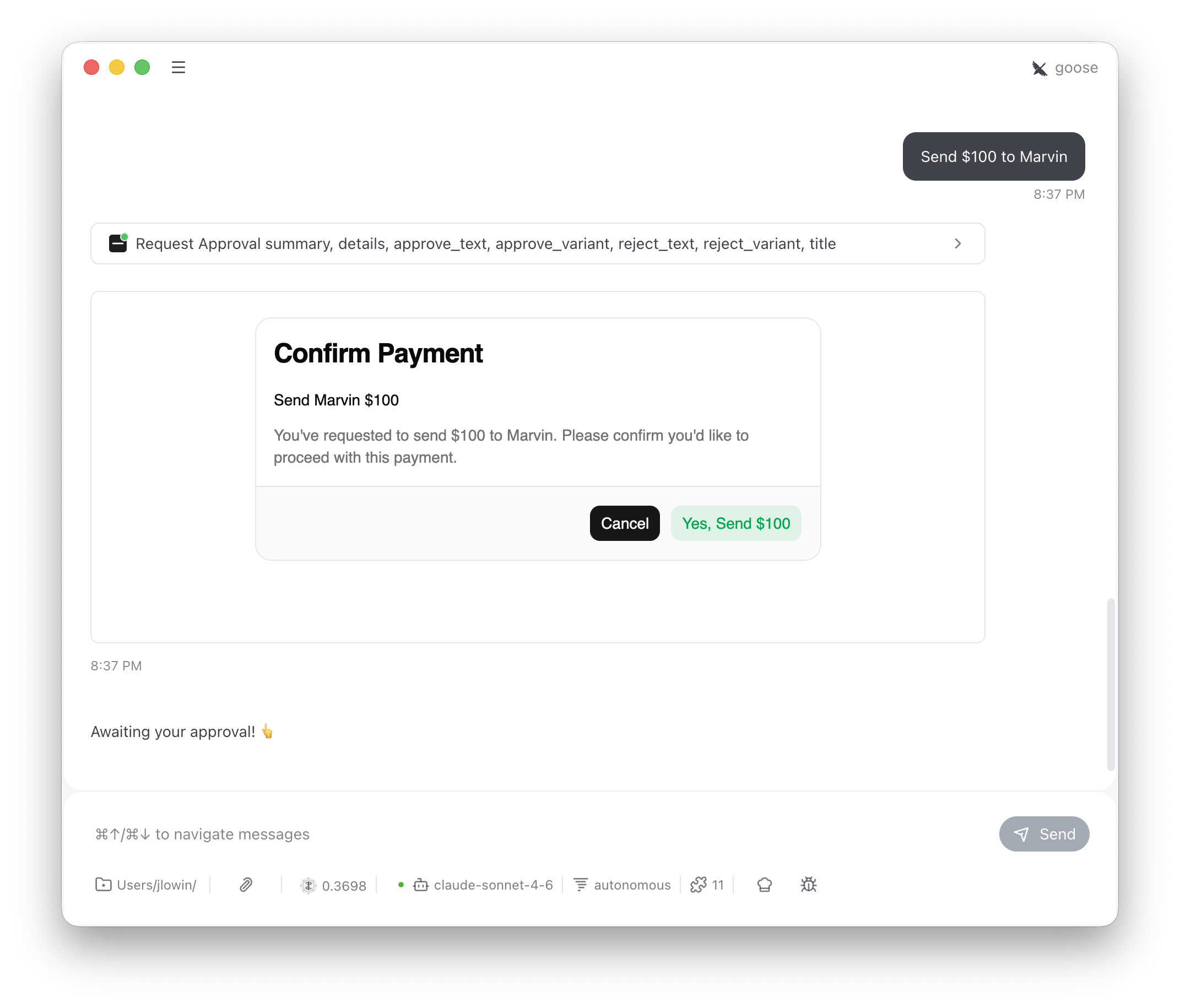
Approval

Human-in-the-loop confirmation. The LLM presents what it’s about to do, the user clicks Approve or Reject, and the decision flows back as a message.
from fastmcp.apps.approval import Approval
mcp.add_provider(Approval())

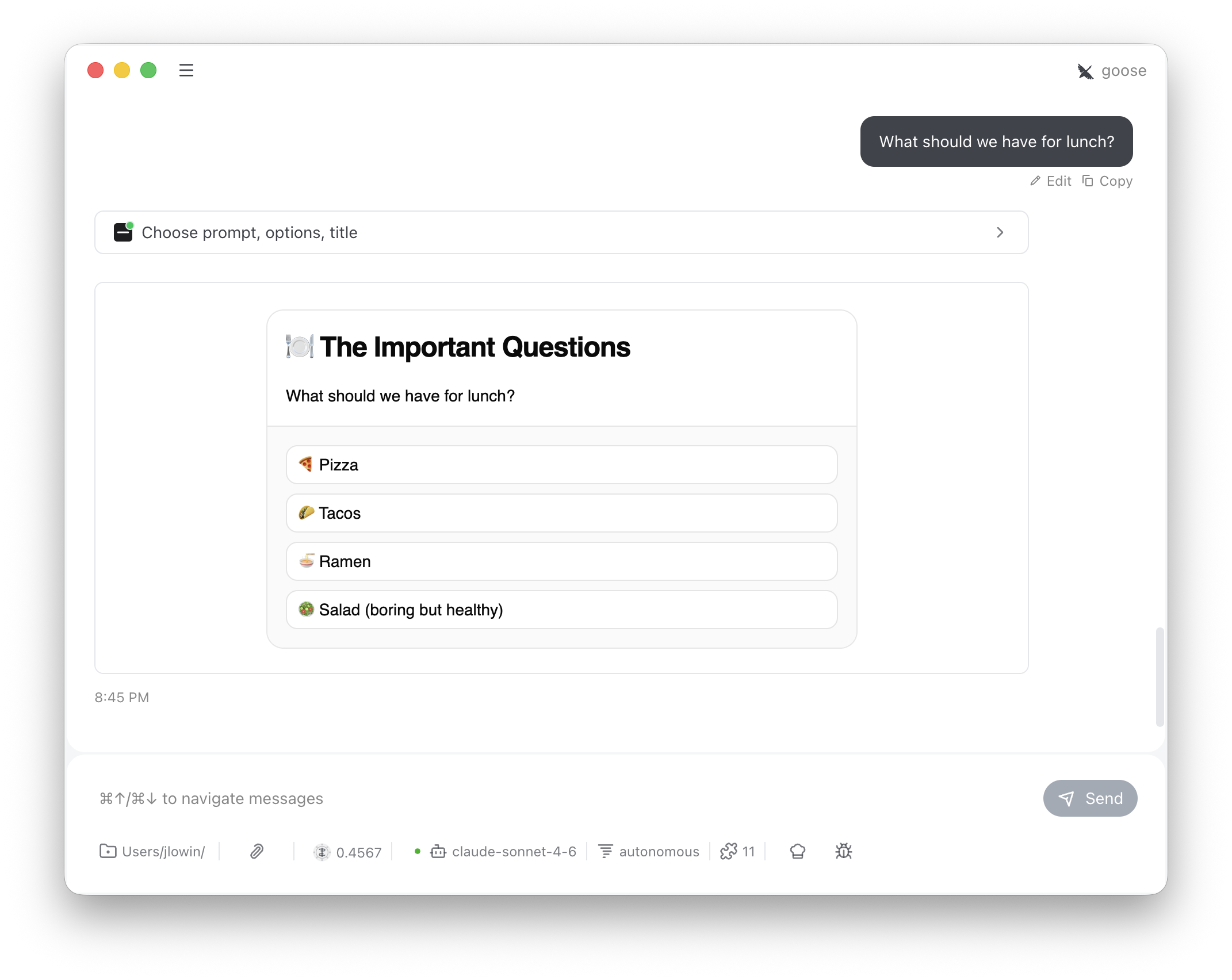
Choice

Present clickable options instead of asking users to type. Clean structured input without parsing free text.
from fastmcp.apps.choice import Choice
mcp.add_provider(Choice())

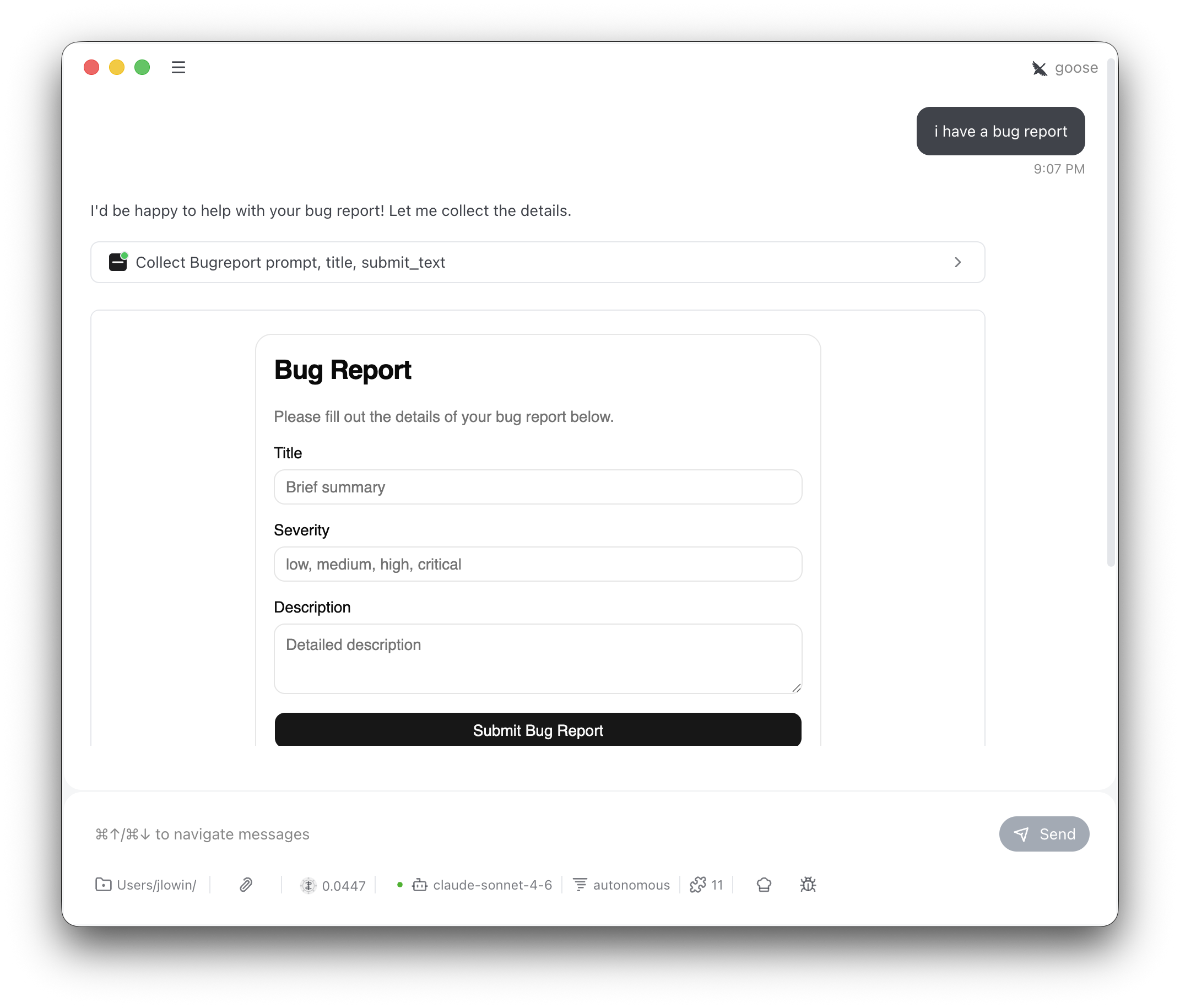
Form Input

Generate a validated form from a Pydantic model. Submission is validated against the model before being returned.
from fastmcp.apps.form import FormInput
mcp.add_provider(FormInput(model=MyModel))

Generative UI

The LLM writes Prefab Python code at runtime and the result renders as a streaming interactive UI. Tailored visualizations for any data. See the full guide for details.
from fastmcp.apps.generative import GenerativeUI
mcp.add_provider(GenerativeUI())