> ## Documentation Index
> Fetch the complete documentation index at: https://gofastmcp.com/llms.txt
> Use this file to discover all available pages before exploring further.
# Examples
> Example apps you can run right now.
export const VersionBadge = ({version}) => {
return
New in version {version}
;
};
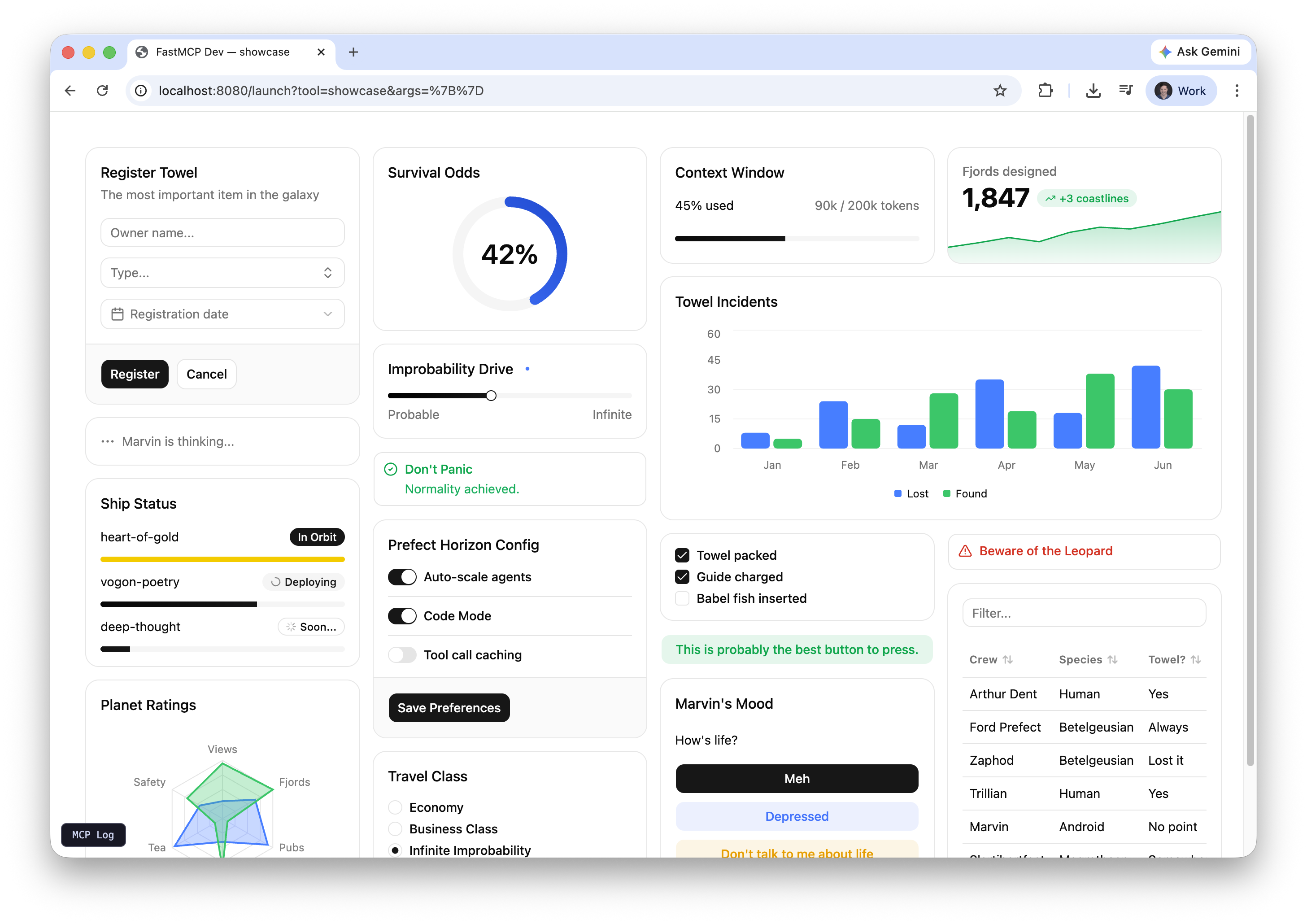
Each tile below is a working FastMCP server you can run with `fastmcp dev apps` or connect to from any MCP host. Source lives in `examples/apps/` in the repository.
 ## Running the examples
Preview any example in your browser with the dev server:
```bash theme={"theme":{"light":"snazzy-light","dark":"dark-plus"}}
pip install "fastmcp[apps]"
fastmcp dev apps examples/apps/sales_dashboard/sales_dashboard_server.py
```
The dev UI lets you pick a tool and fill in arguments. In a real deployment the LLM provides those arguments from conversation context — the quiz example especially shines when connected to a host like Goose or Claude Desktop, where the LLM generates the questions itself.
## Standalone apps
### Sales dashboard
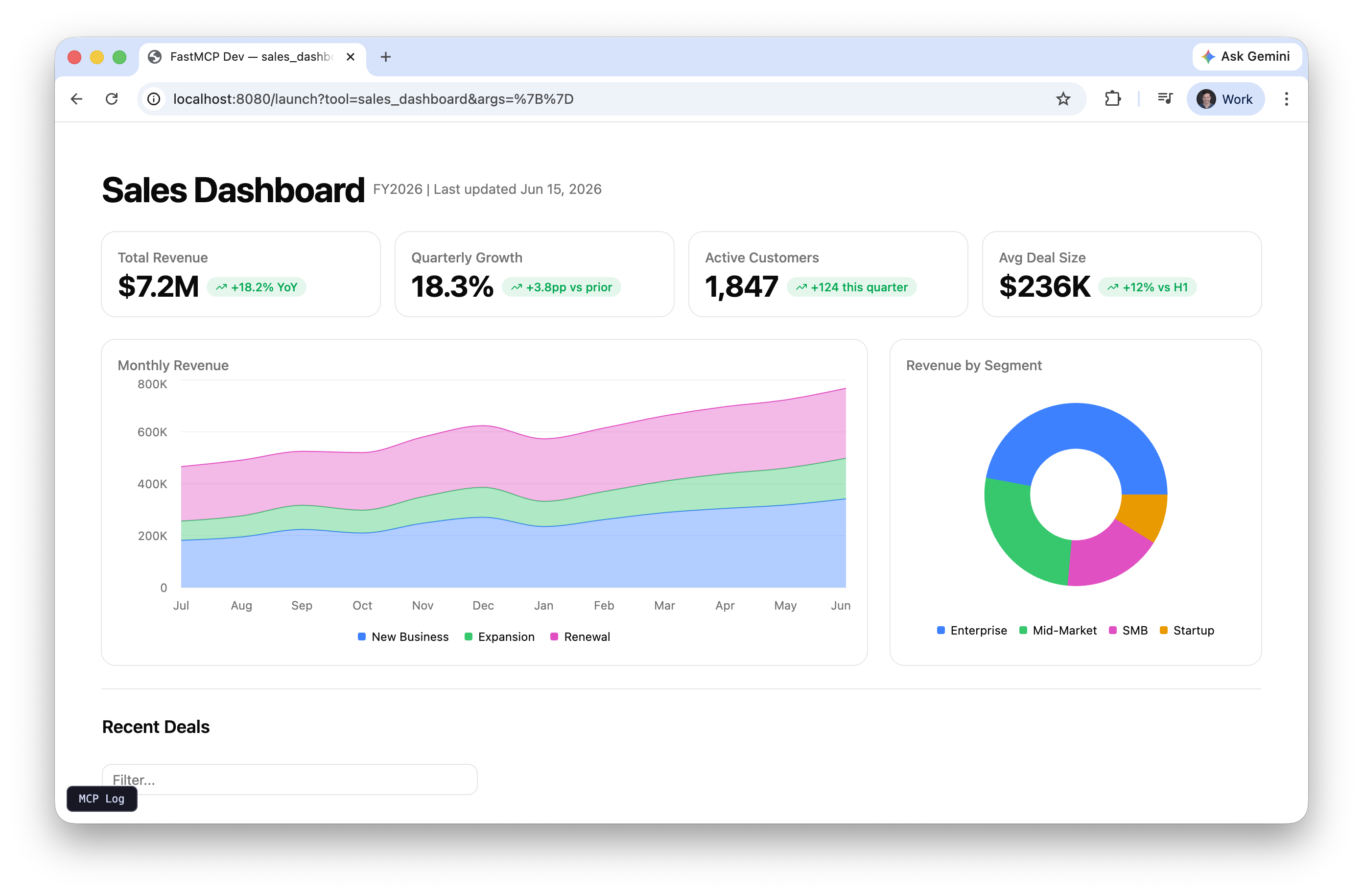
A full dashboard with KPI metrics, revenue trends, segment breakdown, and a deal pipeline table. Shows what you can build with a single `app=True` tool and Prefab's chart and data components.
```bash theme={"theme":{"light":"snazzy-light","dark":"dark-plus"}}
fastmcp dev apps examples/apps/sales_dashboard/sales_dashboard_server.py
```
### System monitor
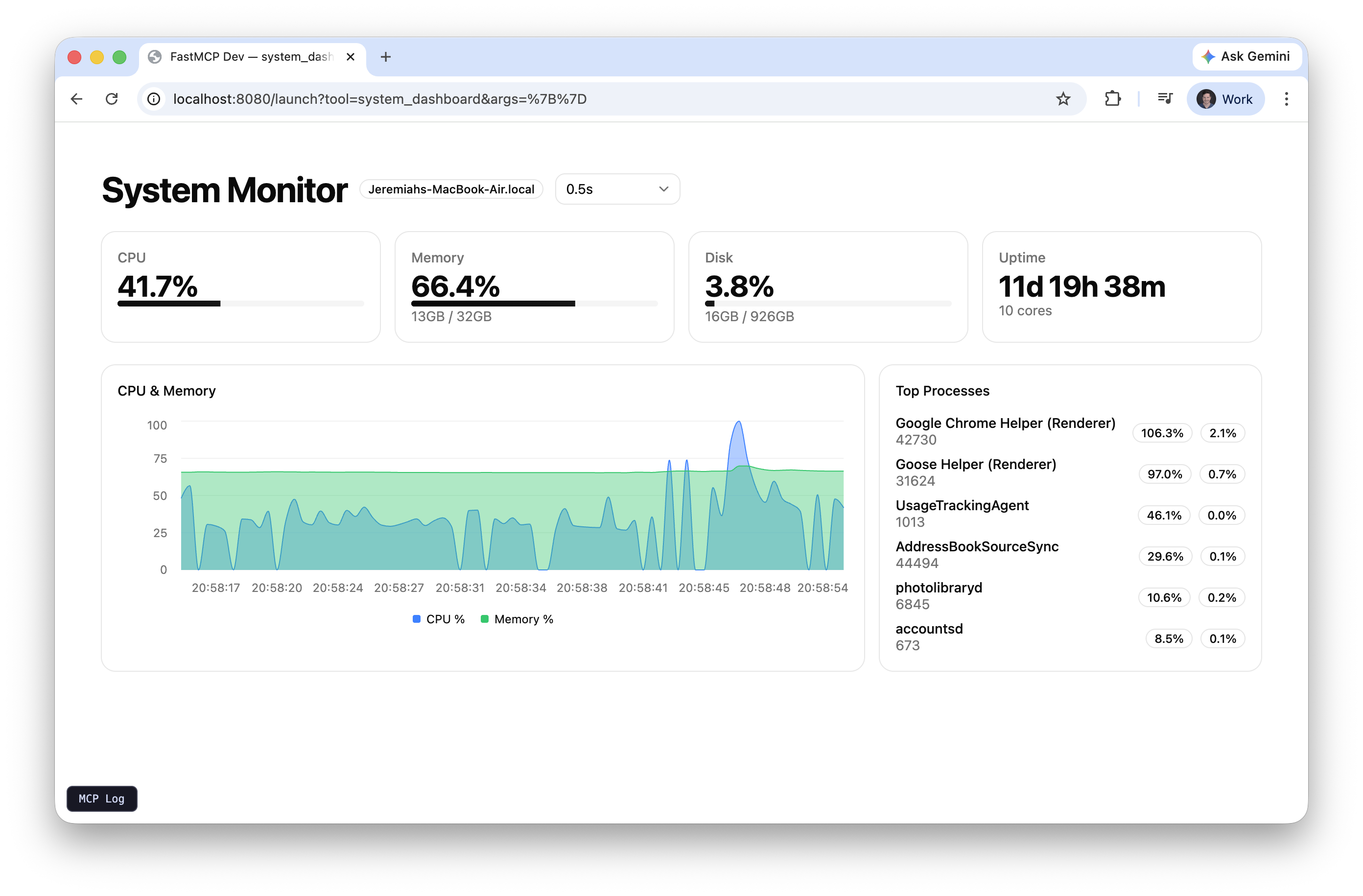
Reads live CPU, memory, and disk stats from your machine using `psutil`. Auto-refreshes via `SetInterval` calling a backend tool, with a dropdown to control the refresh rate. The chart accumulates up to 100 data points over time.
```bash theme={"theme":{"light":"snazzy-light","dark":"dark-plus"}}
pip install psutil
fastmcp dev apps examples/apps/system_monitor/system_monitor_server.py
```
### Quiz
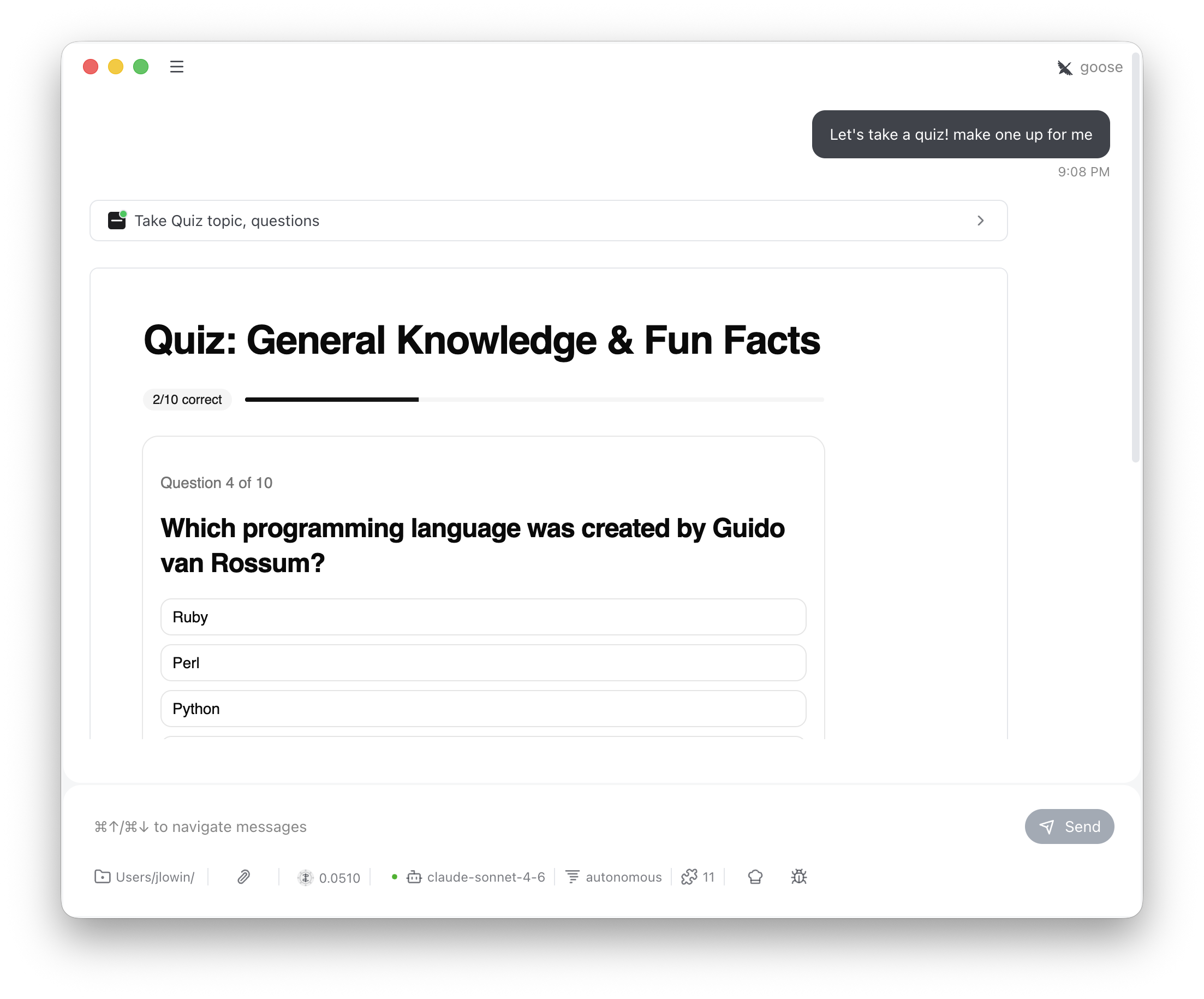
The LLM generates trivia questions and passes them to the tool. The user answers via buttons, sees correct/incorrect feedback, and tracks score across questions. Demonstrates multi-turn client-side state with FastMCPApp.
```bash theme={"theme":{"light":"snazzy-light","dark":"dark-plus"}}
fastmcp dev apps examples/apps/quiz/quiz_server.py
```
### Interactive map
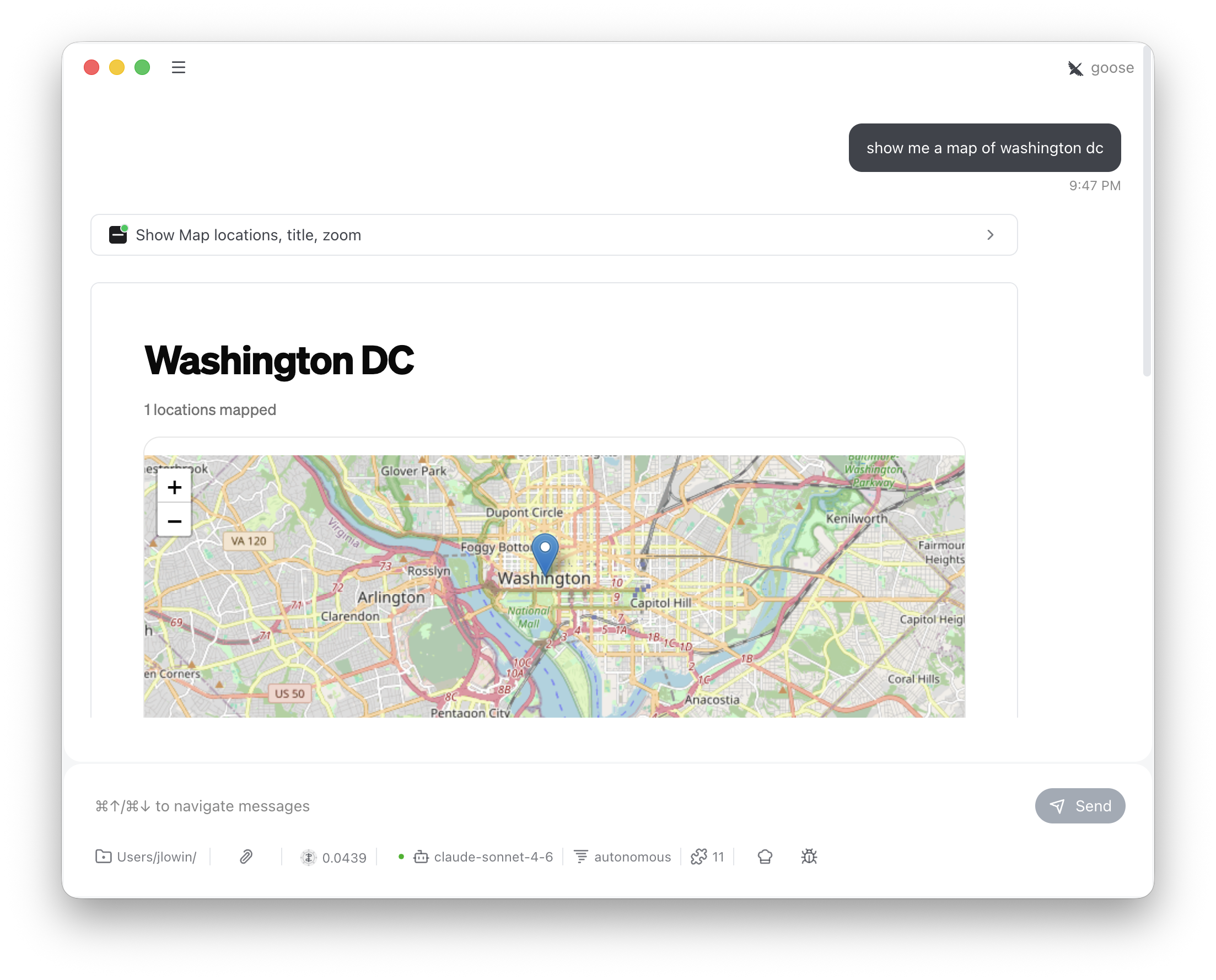
Accepts addresses or place names, geocodes them via OpenStreetMap Nominatim (free, no API key), and renders an interactive Leaflet map using Prefab's `Embed` component with inline HTML. A reminder that Prefab apps can break out of built-in components when they need to.
```bash theme={"theme":{"light":"snazzy-light","dark":"dark-plus"}}
fastmcp dev apps examples/apps/map/map_server.py
```
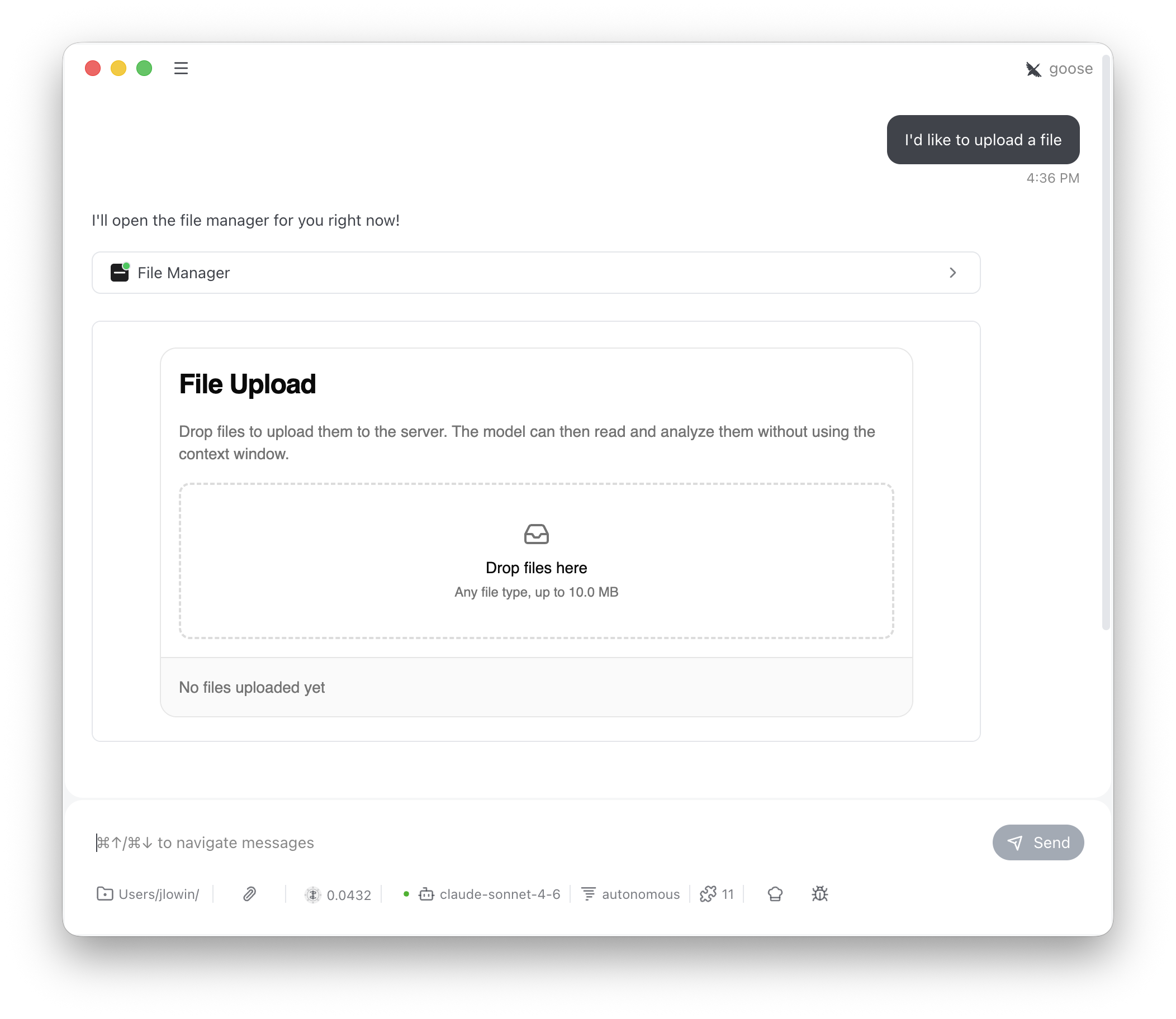
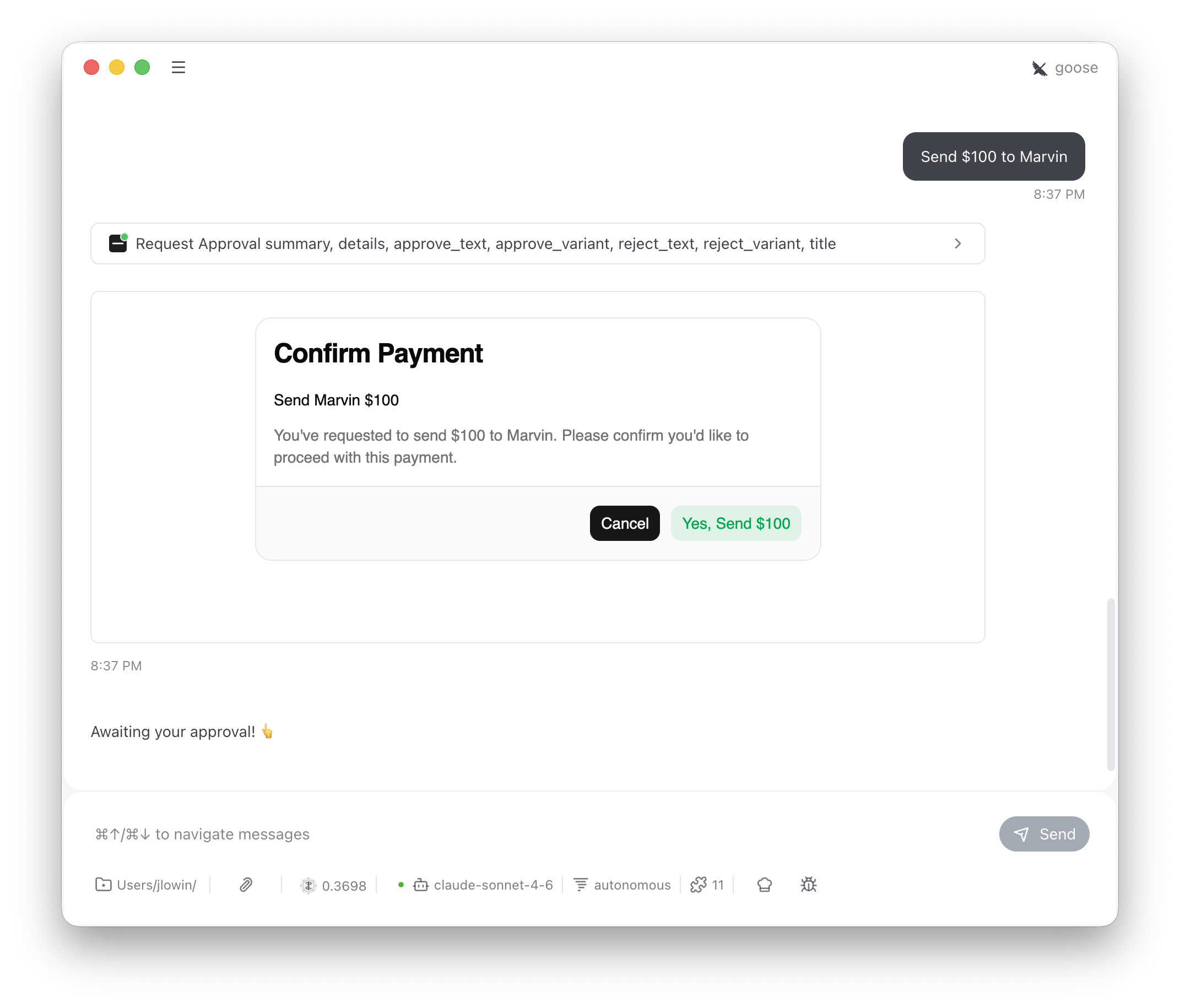
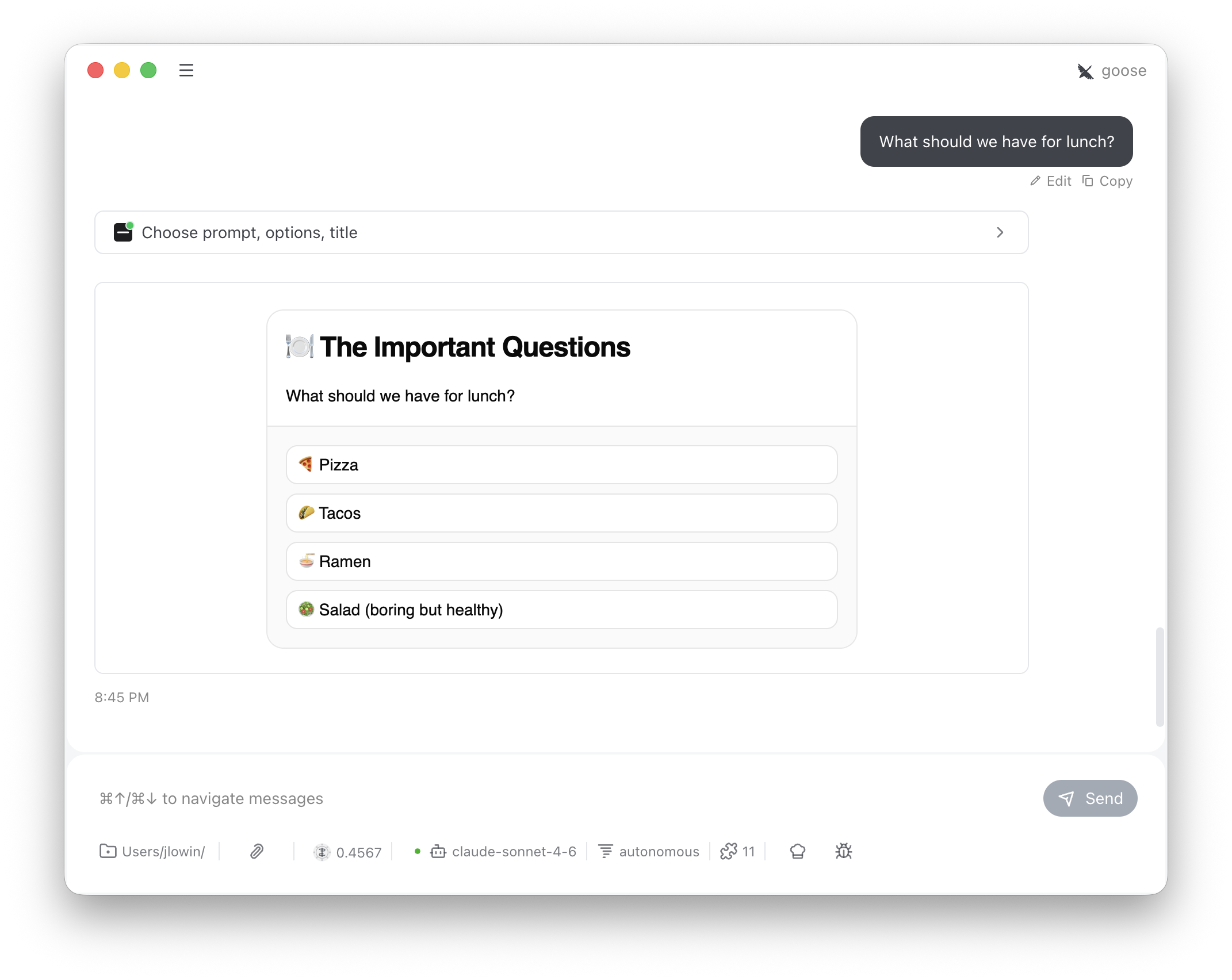
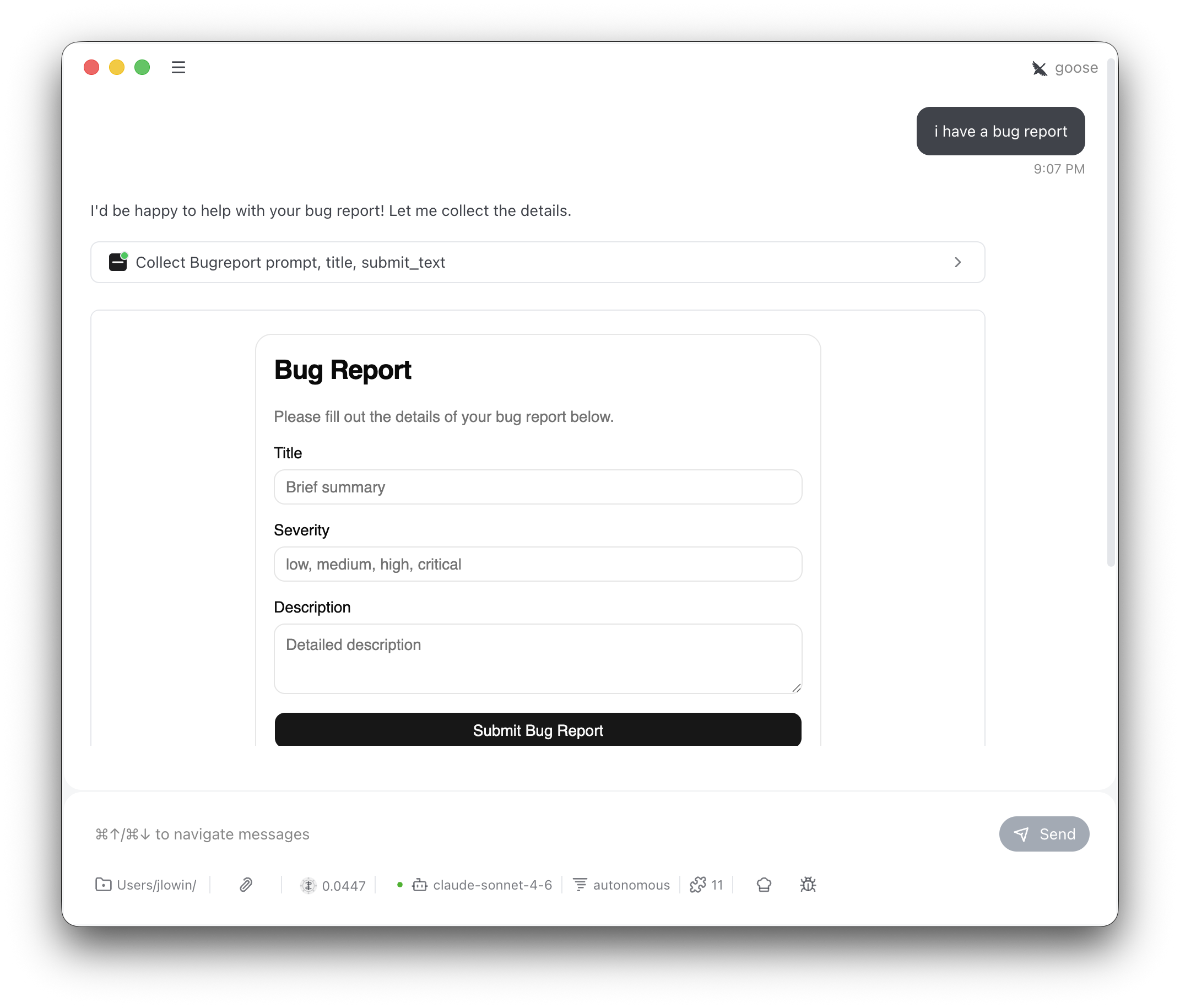
For ready-made building blocks like approvals, choice pickers, file uploads, and Pydantic forms, see the [Providers](/apps/providers/approval) group.
## Running the examples
Preview any example in your browser with the dev server:
```bash theme={"theme":{"light":"snazzy-light","dark":"dark-plus"}}
pip install "fastmcp[apps]"
fastmcp dev apps examples/apps/sales_dashboard/sales_dashboard_server.py
```
The dev UI lets you pick a tool and fill in arguments. In a real deployment the LLM provides those arguments from conversation context — the quiz example especially shines when connected to a host like Goose or Claude Desktop, where the LLM generates the questions itself.
## Standalone apps
### Sales dashboard
A full dashboard with KPI metrics, revenue trends, segment breakdown, and a deal pipeline table. Shows what you can build with a single `app=True` tool and Prefab's chart and data components.
```bash theme={"theme":{"light":"snazzy-light","dark":"dark-plus"}}
fastmcp dev apps examples/apps/sales_dashboard/sales_dashboard_server.py
```
### System monitor
Reads live CPU, memory, and disk stats from your machine using `psutil`. Auto-refreshes via `SetInterval` calling a backend tool, with a dropdown to control the refresh rate. The chart accumulates up to 100 data points over time.
```bash theme={"theme":{"light":"snazzy-light","dark":"dark-plus"}}
pip install psutil
fastmcp dev apps examples/apps/system_monitor/system_monitor_server.py
```
### Quiz
The LLM generates trivia questions and passes them to the tool. The user answers via buttons, sees correct/incorrect feedback, and tracks score across questions. Demonstrates multi-turn client-side state with FastMCPApp.
```bash theme={"theme":{"light":"snazzy-light","dark":"dark-plus"}}
fastmcp dev apps examples/apps/quiz/quiz_server.py
```
### Interactive map
Accepts addresses or place names, geocodes them via OpenStreetMap Nominatim (free, no API key), and renders an interactive Leaflet map using Prefab's `Embed` component with inline HTML. A reminder that Prefab apps can break out of built-in components when they need to.
```bash theme={"theme":{"light":"snazzy-light","dark":"dark-plus"}}
fastmcp dev apps examples/apps/map/map_server.py
```
For ready-made building blocks like approvals, choice pickers, file uploads, and Pydantic forms, see the [Providers](/apps/providers/approval) group.